Vibe Coding for Collaborative Learning Design
Prototypes for science and engineering education
About This Project
This project demonstrates how Learning Designers can rapidly prototype interactive learning experiences using AI-assisted development. All four prototypes showcased here were planned, designed, and built entirely using Claude Code in the terminal, leveraging Planning Mode to think through pedagogical approaches before implementation.
The UI and UX design was also crafted collaboratively with Claude. Design examples and instructional design requirements were provided, which Claude translated into a clean, academic interface optimized for educational content. This demonstrates how experienced LXDs and UX designers can leverage AI as a collaborative tool to work together, accelerating the design-to-prototype workflow while maintaining full creative control.
About the Author

Matthew White is a Product Designer & AI UX Strategist with 18+ years of experience in technical training and educational technology. He specializes in translating complex technical concepts into scalable learning experiences for Fortune 500 companies, regulated industries, and educational institutions.
Matthew has designed solutions serving 100k+ users, reduced training development cycles from months to weeks, and created AI-driven learning experiences that accelerate user adoption and drive measurable business outcomes.
Read More: UX & Learning Design Collaboration →
Prototypes
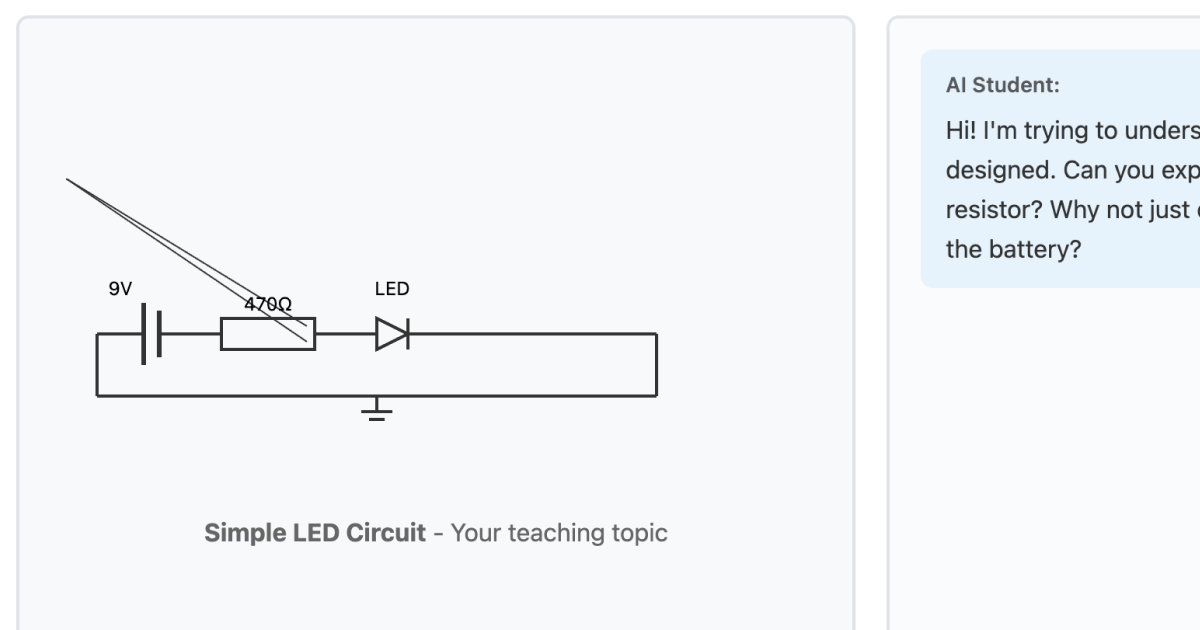
Peer Teaching Simulation
Teach circuit design concepts to an AI student who asks probing questions to deepen your understanding.
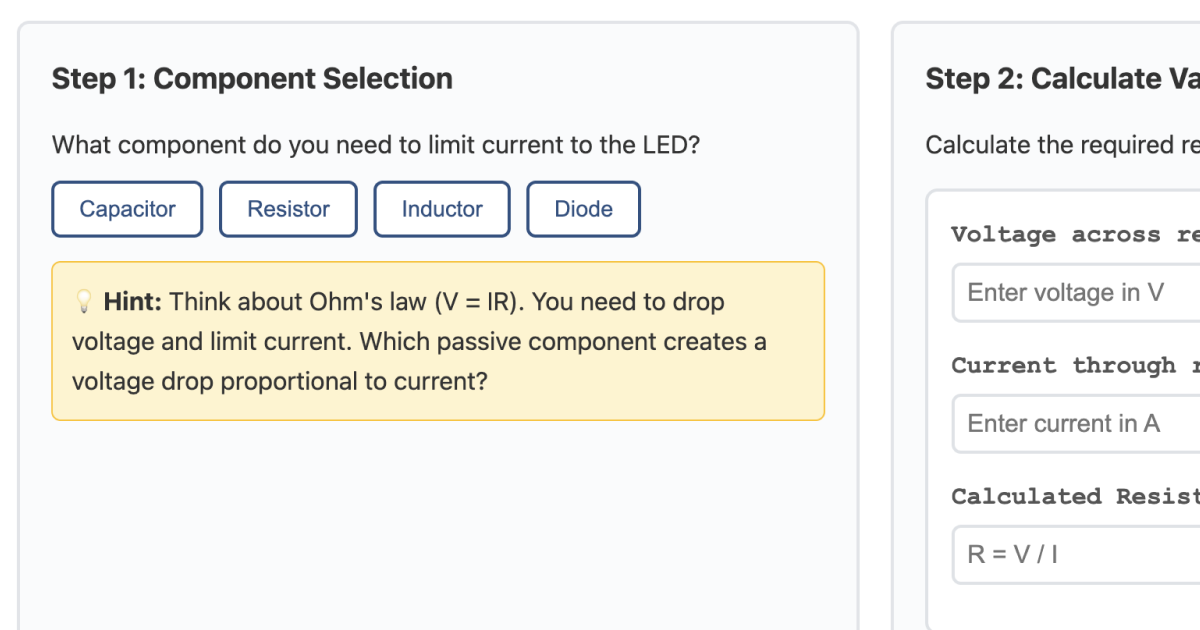
Problem-Solving Scaffolds
Design circuits with adaptive guidance that fades as you build independence and mastery.
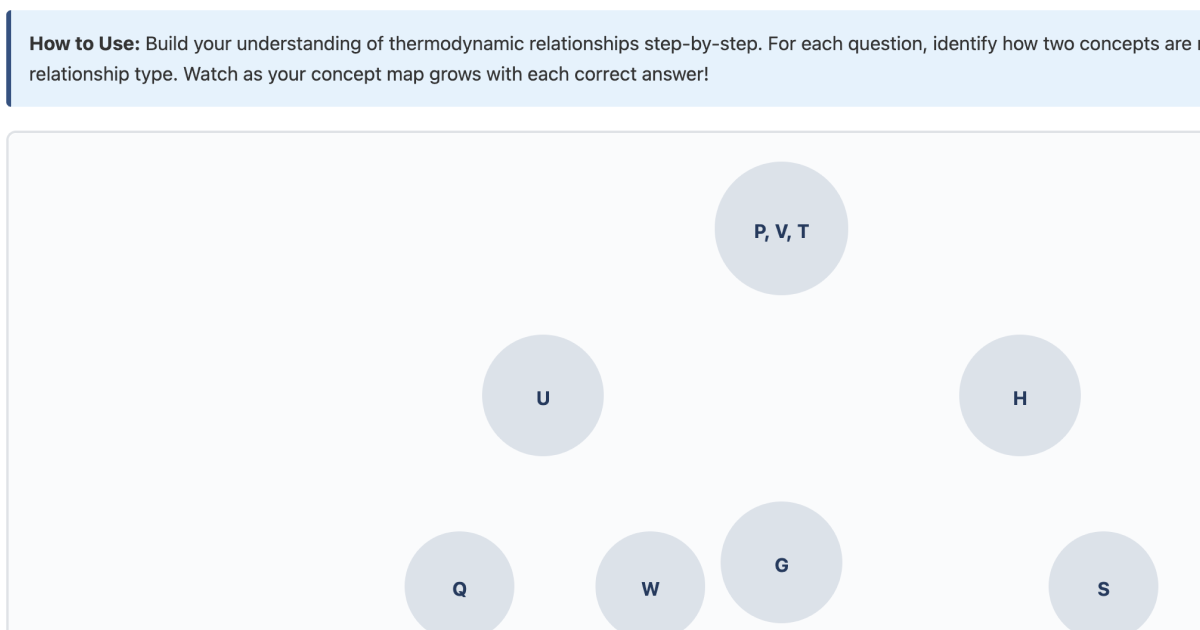
Interactive Concept Mapping
Build visual connections between thermodynamic properties to develop a holistic mental model.
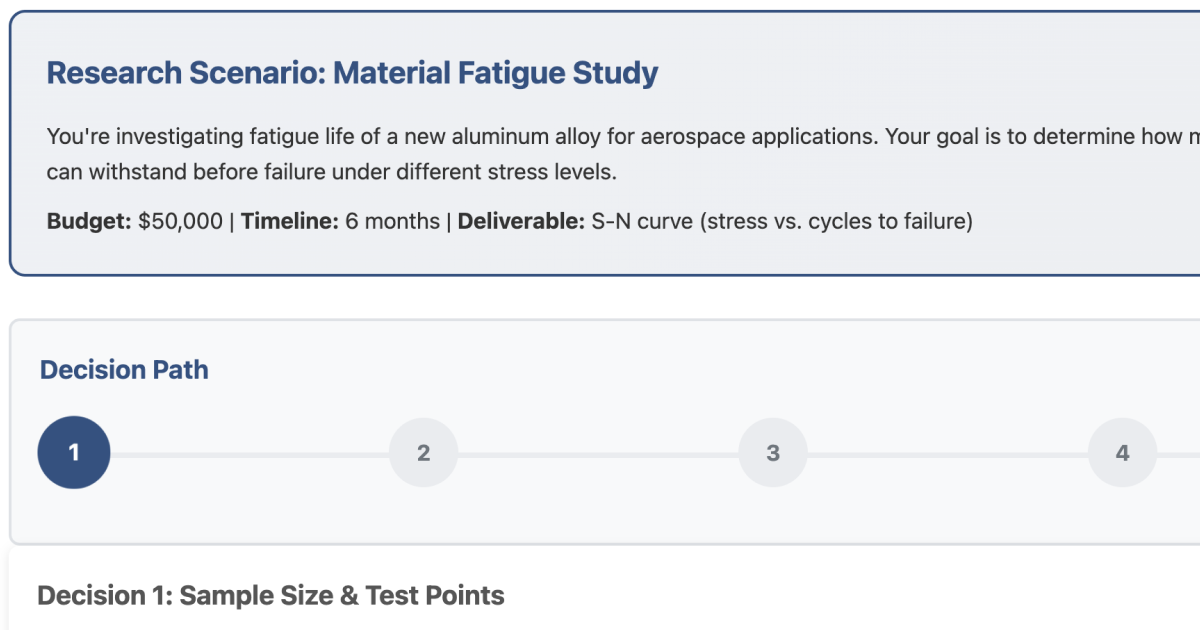
Case-Based Learning
Navigate research methodology decisions and see how your choices impact experimental outcomes.
Applying AI to your Instructional / Learning Design Workflow
How Learning Designers Can Leverage Claude Code
Claude Code's Planning Mode provides a powerful workflow for instructional design:
- Ideation & Design: Brainstorm learning modalities, discuss pedagogical approaches, and refine learning objectives through conversational planning
- Rapid Prototyping: Transform instructional designs into interactive prototypes without deep technical expertise
- Iterative Refinement: Quickly test, modify, and enhance learning experiences based on feedback
- Documentation: Generate comprehensive design documentation alongside working prototypes
- Product Requirements: Collaborate with Claude to craft learning-centered product requirements for PRDs, ensuring learning objectives are integral to product strategy and success metrics from the outset
Example Application: An LXD designing compliance training could use Planning Mode to discuss branching scenario approaches, then rapidly prototype three different interaction models (decision trees, consequence-based narratives, or role-play simulations) to test with stakeholders—all within a single afternoon instead of waiting weeks for developers.
Integrating Learning into Product Requirements
Learning Experience Designers can use Claude Code to bridge the gap between instructional design and product development:
- Learning-Centered PRDs: Translate pedagogical goals into technical product requirements that developers and product managers can act on
- Success Metrics: Define measurable learning outcomes alongside business KPIs to ensure product success is tied to learner achievement
- User Stories with Learning Context: Craft user stories that capture both functional needs and learning progression pathways
- Technical Specifications: Generate detailed specifications for adaptive learning features, assessment mechanisms, and progress tracking systems
Example Application: When proposing an onboarding platform redesign, an LXD could collaborate with Claude Code to draft PRD sections that translate "reduce time-to-proficiency" into specific features like adaptive scaffolding, spaced repetition algorithms, and competency-based progression gates—creating alignment between business goals and learning science from day one.
Gaining Stakeholder Buy-In
Interactive prototypes are powerful tools for securing support from key stakeholders:
- Executives & Product Teams: Demonstrate concrete learning experiences rather than abstract concepts in documents
- Subject Matter Experts (SMEs): Get hands-on feedback on content accuracy and pedagogical effectiveness
- Developers: Provide clear functional specifications and UX expectations before full development
- Learners: Test real interactions to validate engagement and learning effectiveness early
Example Application: Instead of presenting a 40-slide deck proposing a new microlearning approach, an LXD could share a working prototype where executives experience a 3-minute interactive lesson themselves. Stakeholders immediately understand the value proposition, retention mechanics, and mobile-first design—leading to faster approval and budget allocation.
Testing & Validation
These prototypes can be tested through multiple approaches:
- Asynchronous Testing: Share links for remote user testing, collect feedback via surveys or analytics
- Usability Testing: Conduct moderated sessions observing learners interact with prototypes
- A/B Testing: Compare different modalities to determine which approaches work best for your audience
- SME Review: Validate content accuracy and pedagogical soundness with domain experts
- Think-Aloud Protocols: Understand learner thought processes as they engage with activities
Example Application: An LXD designing technical certification prep could deploy two prototype quiz formats to 50 beta learners via shareable links—one with immediate feedback and one with delayed explanations. Analytics from asynchronous testing reveal which approach yields better retention scores, informing the final design before investing in full development.
Reference Downloads
Explore the behind-the-scenes process of creating these prototypes:
- Planning Session with Claude (PDF) — Initial Planning Mode session exploring pedagogical approaches.
- Raw Conversation Transcript (TXT) — Complete conversation incorporating Learning Design and UX principles.